Connect your portfolios
Follow a commitment from the portfolios that hold it, through its projects, to the tasks your teams estimate.

Planning & delivery intelligence
Follow an Asana portfolio to its constraints.
Capasight for Asana brings your portfolios, projects, estimates, dates and team capacity into one delivery picture. Inspect what is putting your commitments under pressure and which changes are worth discussing.
Follow a commitment from the portfolios that hold it, through its projects, to the tasks your teams estimate.
See the work competing for your teams' sprints, alongside the forecast for the commitment.
Move from a finding to scope, timing, sequence and capacity decisions with the people responsible.
Keep the portfolios your teams use. Add the scope, date and capacity context behind the commitment.
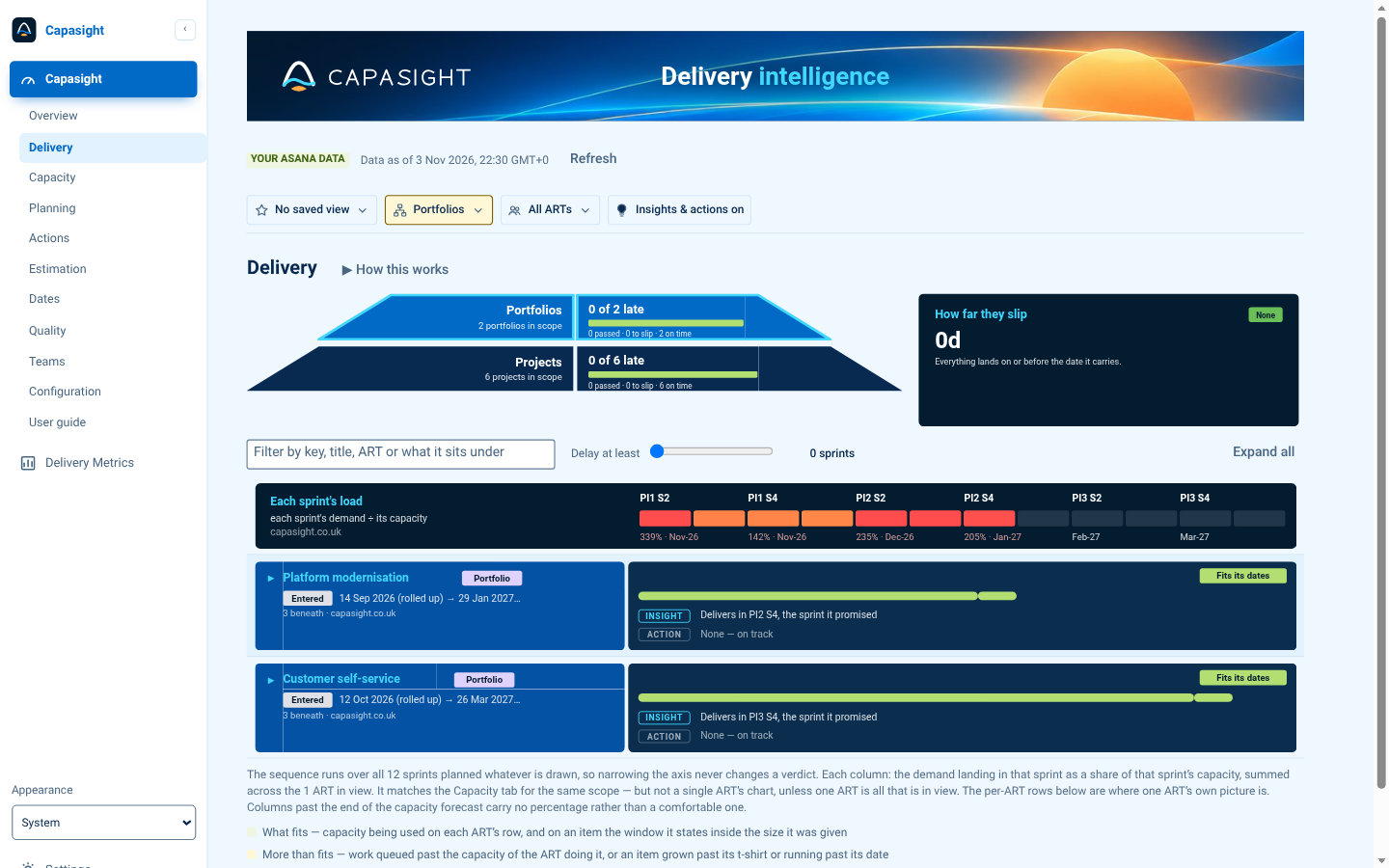
Expand a screen for its purpose and a test-portfolio example.
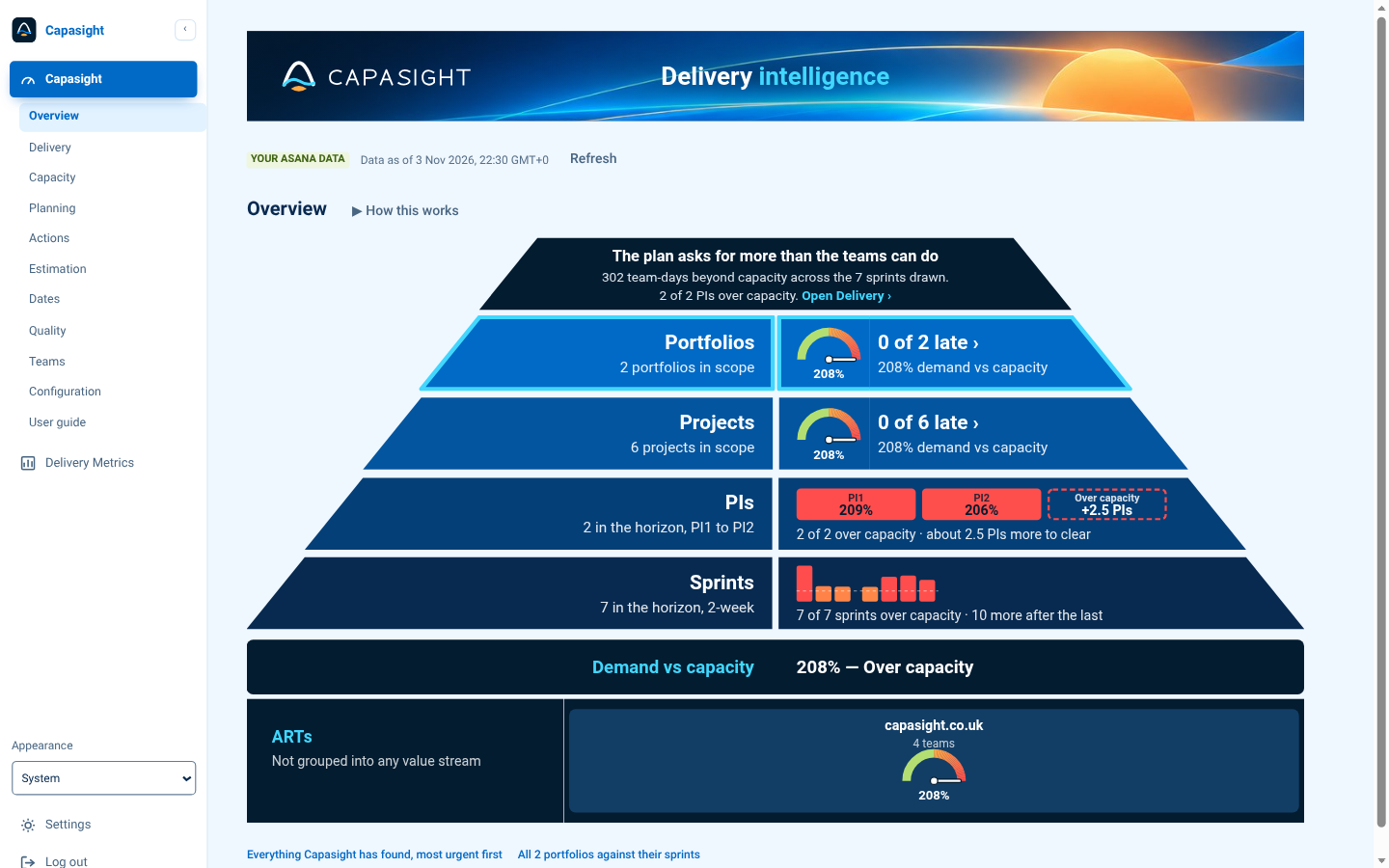
Your portfolios and projects with their demand against capacity, and the PIs and sprints carrying it.
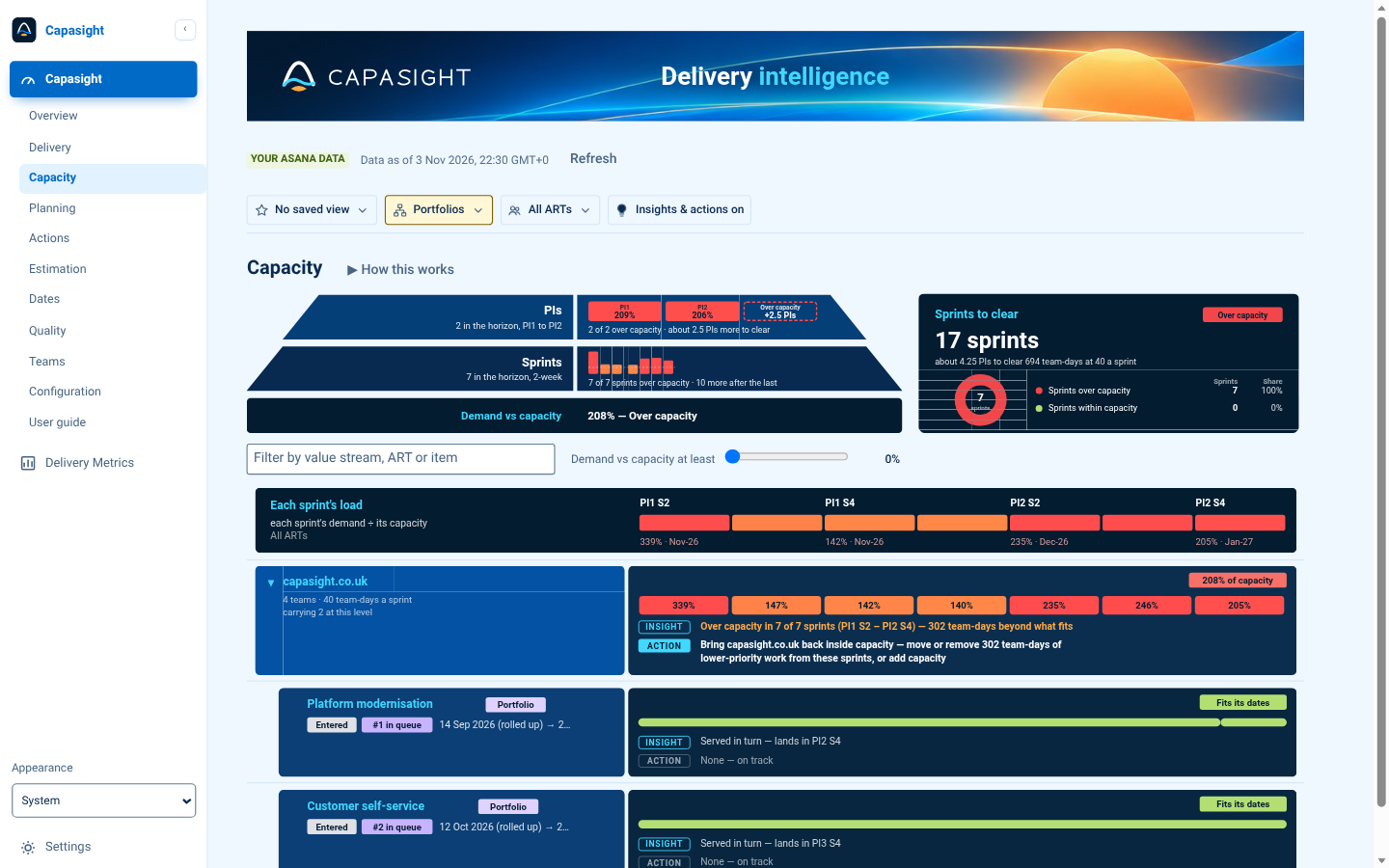
Each sprint's load across your ARTs, how long the work takes to clear, and what would bring it back inside capacity.
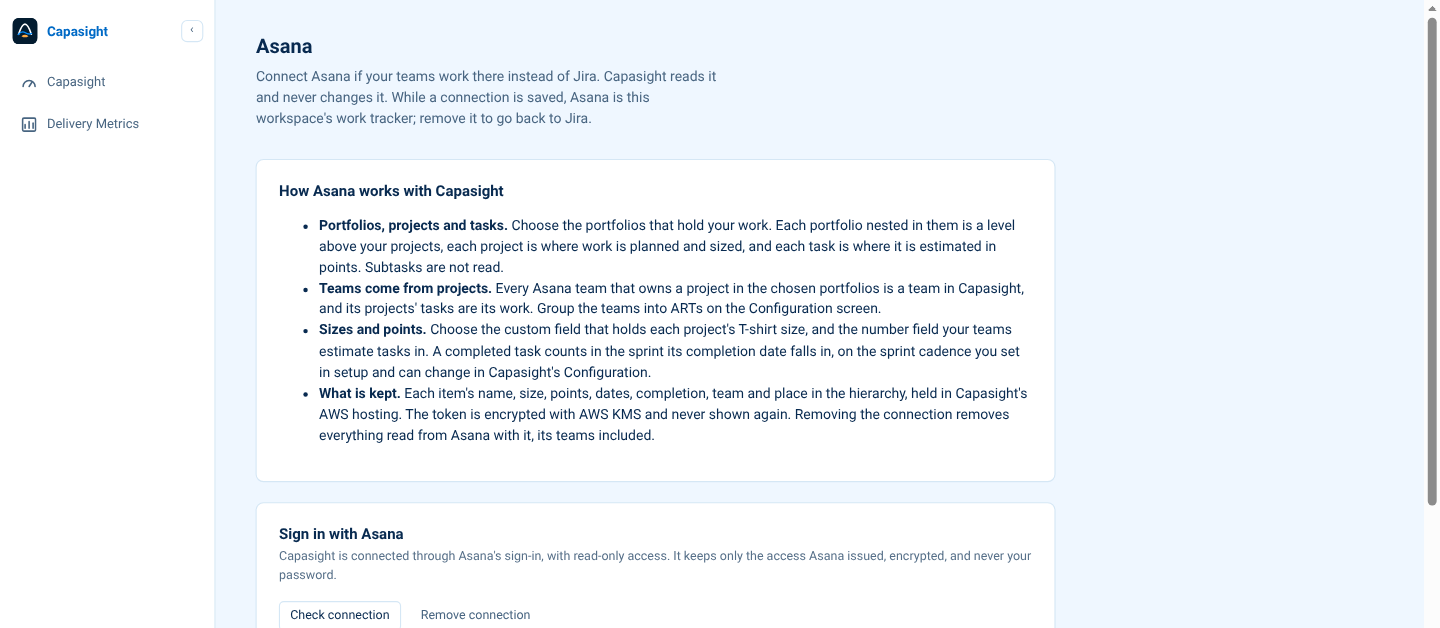
One sign-in, read-only access, and the workspace and portfolios Capasight reads.
Find the commitment, scope or date that needs attention.
Inspect the teams, sprints and underlying work behind the pressure.
Discuss a change to scope, dates, priorities or capacity.
Capasight for Asana
Every workspace gets a 30-day trial from the first time Capasight reads its work, with no card needed. After the trial, workspaces with up to 10 users remain free with a licence key.
Up to 100 users: £2,040 / €2,340 / $2,700 per year. Paid licences cover a workspace user band for one year; order directly from Capasight and pay by invoice. Asana does not handle billing.
| Workspace users | GBP / year | EUR / year | USD / year |
|---|---|---|---|
| Up to 10 | Free | Free | Free |
| Up to 100 | £2,040 | €2,340 | $2,700 |
| Up to 250 | £4,080 | €4,740 | $5,436 |
| Up to 1,000 | £7,860 | €9,120 | $10,476 |
| Up to 2,500 | £11,700 | €13,680 | $15,696 |
| Up to 5,000 | £16,920 | €19,680 | $22,596 |
| Up to 10,000 | £22,680 | €26,400 | $30,396 |
Larger workspaces: by quote. Prices exclude VAT; UK customers pay 20% VAT. Rates reviewed 20 October 2026; confirm the current price when ordering.
Start a free trial → · Order a licence → · Asana setup guide →
Capasight reads Asana through the access you allow at sign-in, read-only. Workspace licences are ordered directly from Capasight: find your workspace ID in Settings › Asana › Licence, then use the licence order form when needed.
No. It asks Asana for read-only access and never writes.
Each item's name, size, points, dates, completion, team and place in the hierarchy, in Capasight's hosting on AWS in the US (us-east-1). The access Asana issues is encrypted with AWS KMS and never shown again.
Remove connection revokes Capasight's access at Asana and deletes everything read from Asana, its teams included.
No. Capasight uses its own sprint cadence; a completed task counts in the sprint its completion date falls in.
No. Tasks are where work is estimated.
contact@capasight.co.uk.
Security: Two-step sign-in for every user; each workspace's data kept apart and tested on every route; credentials sealed with AWS KMS; security reviewed against OWASP ASVS Level 2. See Security →
Talk through the plan you need to inspect and the evidence available in your tools.